Go to the main menu on the left side and click on “Book”.
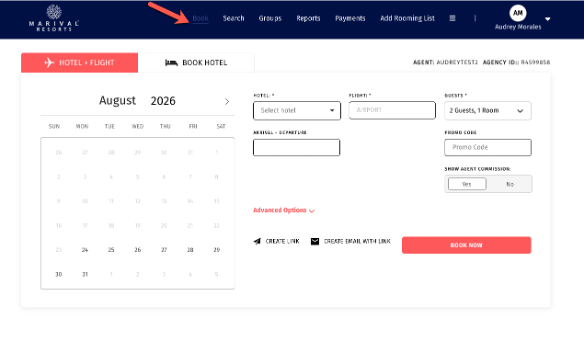
There are 2 ways to create the link “Hotel + Air” or “Hotel Only”, just select what you prefer and follow the steps.
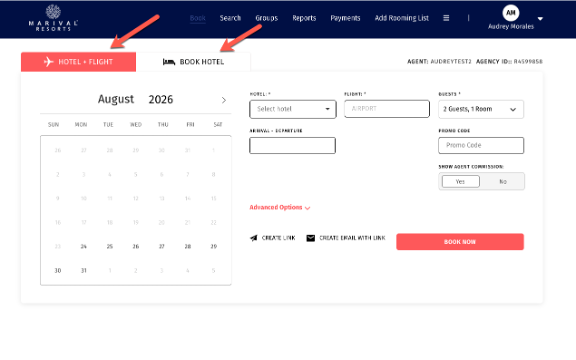
Once you choose Hotel + Flight or Book hotel, you will find the option “Create Link” just below “Advanced Options”
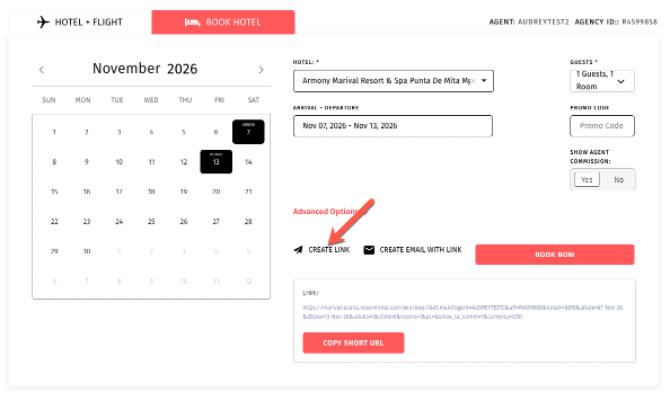
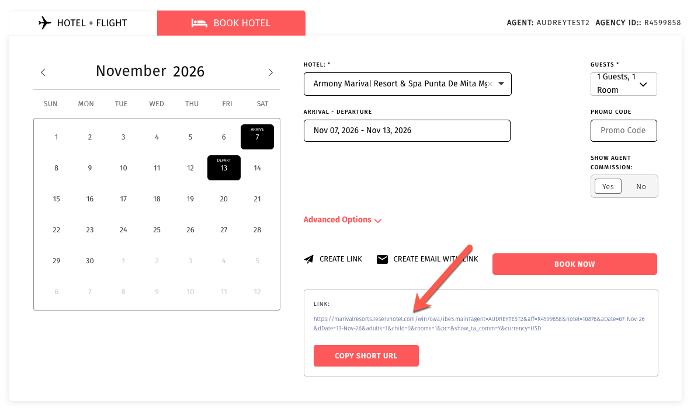
Below you will find the link and you can share it with your clients.
Was this article helpful?
That’s Great!
Thank you for your feedback
Sorry! We couldn't be helpful
Thank you for your feedback
Feedback sent
We appreciate your effort and will try to fix the article